|
This is unreleased documentation for Vulnerability Scanner 0.13.0-dev. |
Workload Scan Configuration
A workload scan configuration tells SUSE Security Vulnerability Scanner which running workloads to scan and where to store the resulting artifacts.
For the equivalent CRD-based workflow, see Scanning Workloads.
Creating a workload scan configuration
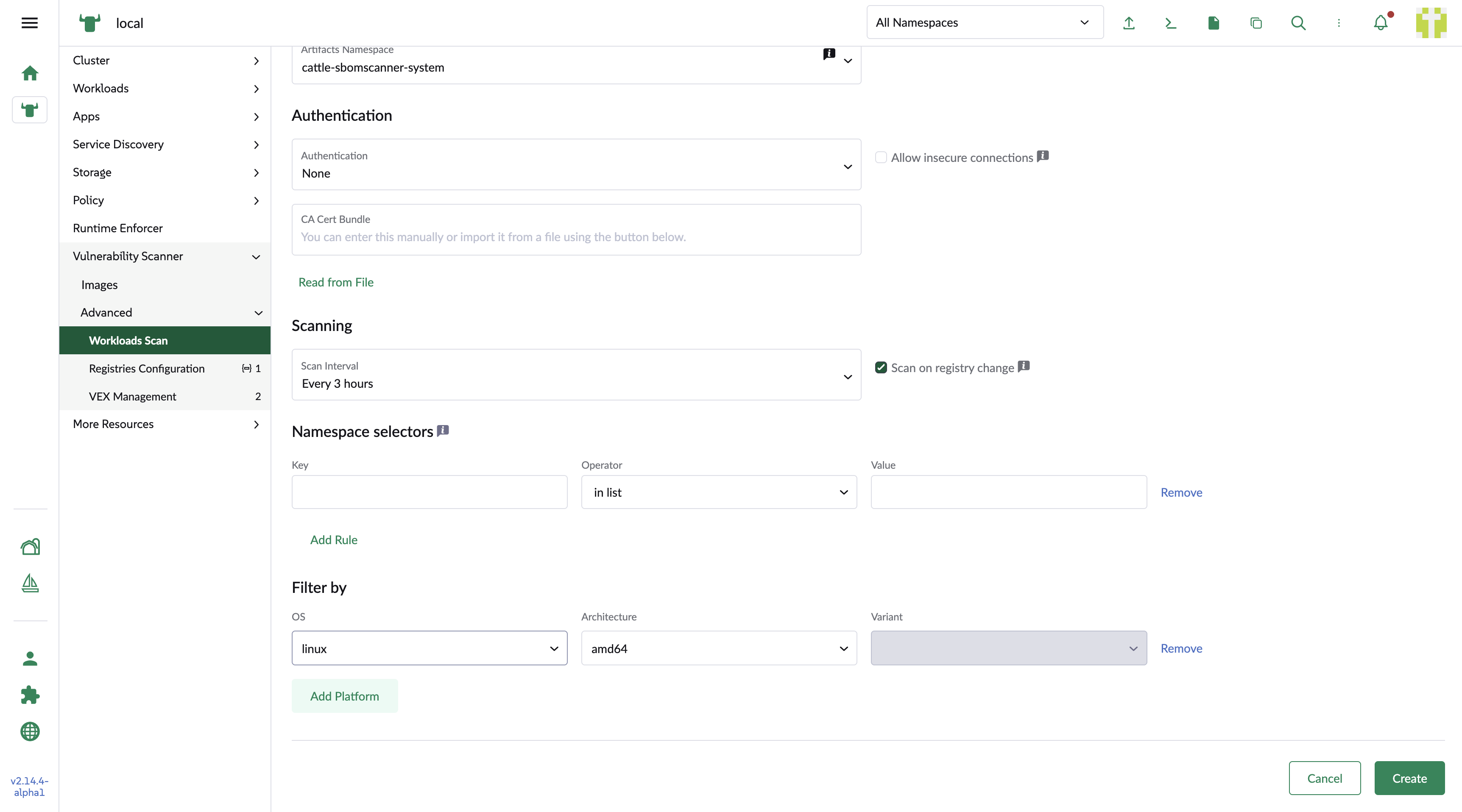
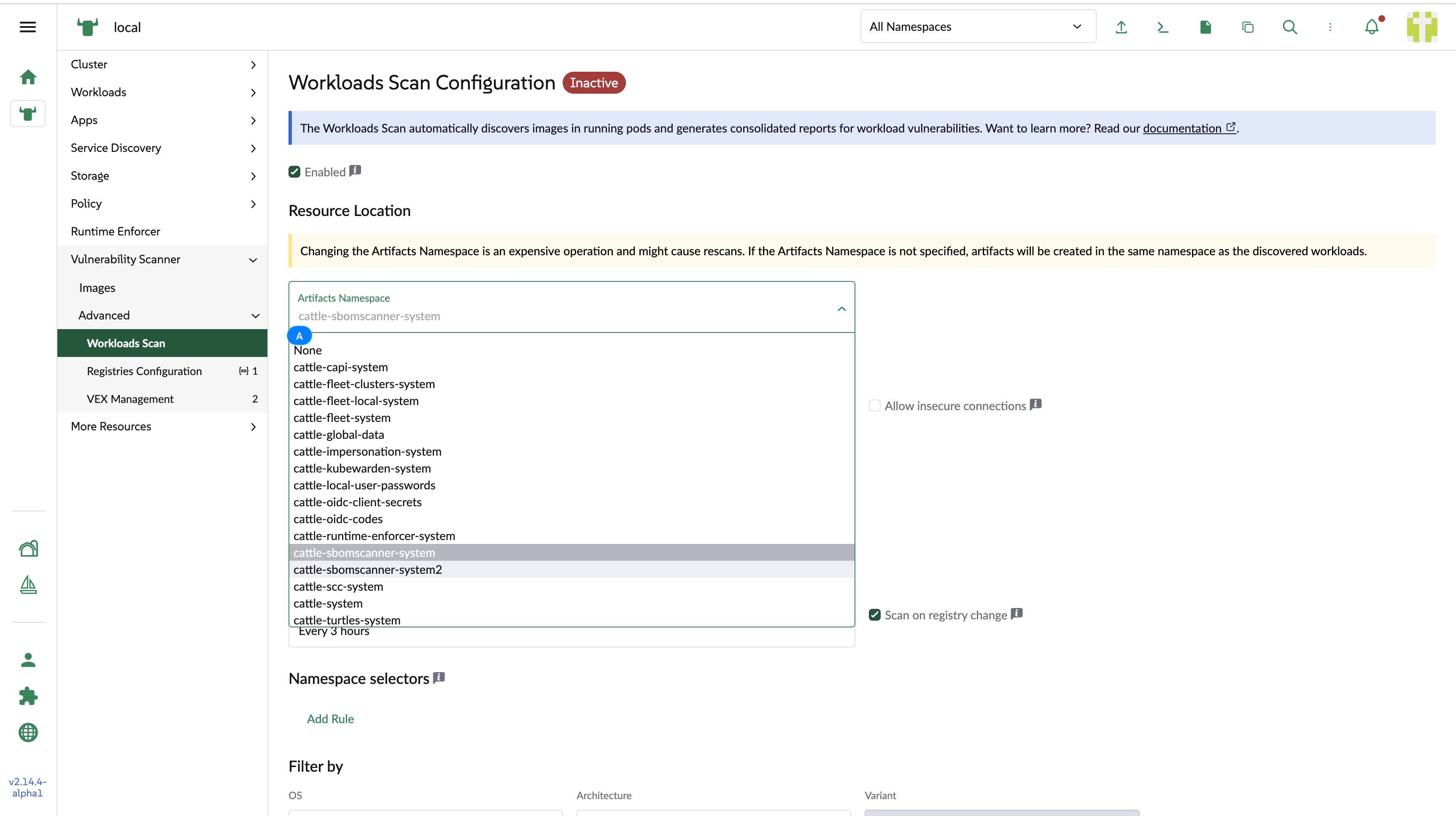
The following fields are specific to a workload scan configuration. All other fields are the same as those for a registry, described in Creating and Editing a Registry.
- Artifacts namespace
-
The namespace where the managed
Registry,ScanJob,Image,SBOM, andVulnerabilityReportresources are created. If this is omitted or empty, the managed artifacts are created in the workload’s own namespace. - Scan on registry change
-
Automatically scans for vulnerabilities whenever a new container image is detected in your running workloads.
- Namespace selectors
-
A standard Kubernetes label selector. Only workloads in namespaces matching the selector are scanned. If this is omitted, workloads in all namespaces are scanned.