Organize a dashboard
Arrange and resize widgets
You can organize the widgets on a dashboard to create a layout that works for you.
-
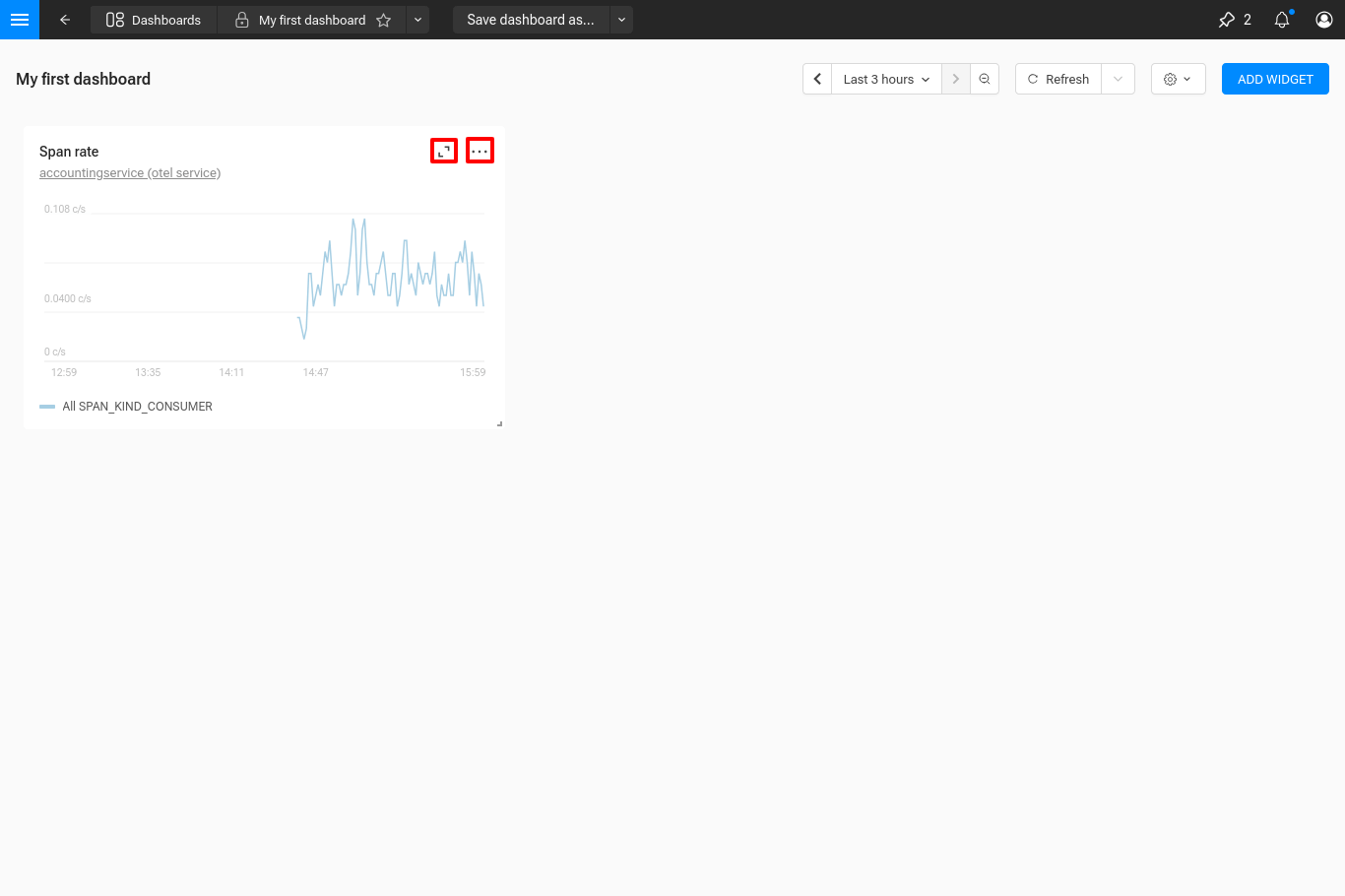
To move a widget, click and drag the title area of the widget to a new position.
-
To resize a widget, click and drag the bottom right corner of the widget.
Other widgets on the dashboard will automatically rearrange themselves when you move or resize a widget.