Installing UI extensions
To install UI extensions, enable the UI extensions from the rancher UI.
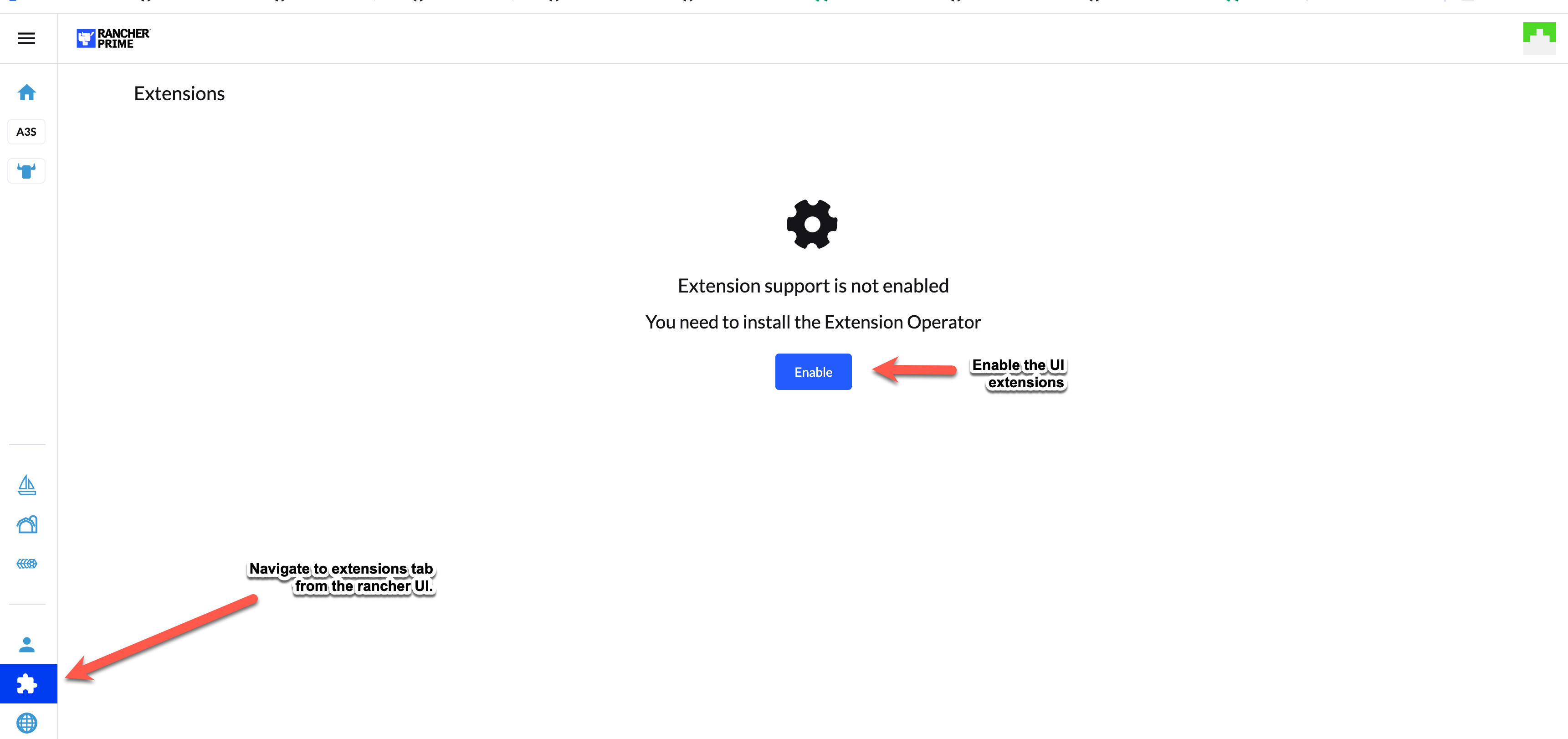
After enabling UI extensions, follow these steps:
-
Navigate to extensions on the rancher UI and under the "Available" section of extensions, you will find the Observability extension.
-
Install the Observability extension.
-
Once installed, on the left panel of the rancher UI, the SUSE® Observability section appears.
-
Navigate to the SUSE® Observability section and select "configurations". In this section, you can add the SUSE® Observability server details and connect it.
-
Follow the instructions as mentioned in Obtain a service token section below and fill in the details.
Obtain a service token
-
Log into the SUSE® Observability instance.
-
From the top left corner, select CLI.
-
Note the API token and install SUSE® Observability cli on your local machine.
-
Create a service token by running
|
The service token must be deleted when the extension no longer uses it to prevent unauthorized access to data from SUSE® Observability. |
sts service-token create --name suse-observability-extension --roles stackstate-guest